Firefox
Install the signed .xpi from this site, or use AMO when listed.
Latest available version 0.1.0
Local, private reminders for posts on X.com. No accounts. No cloud. No tracking.
RemindMe X helps you remember posts on X.com — without accounts, servers, or tracking.
Inspired by @RemindMe on Reddit, built only for X and entirely inside your browser.
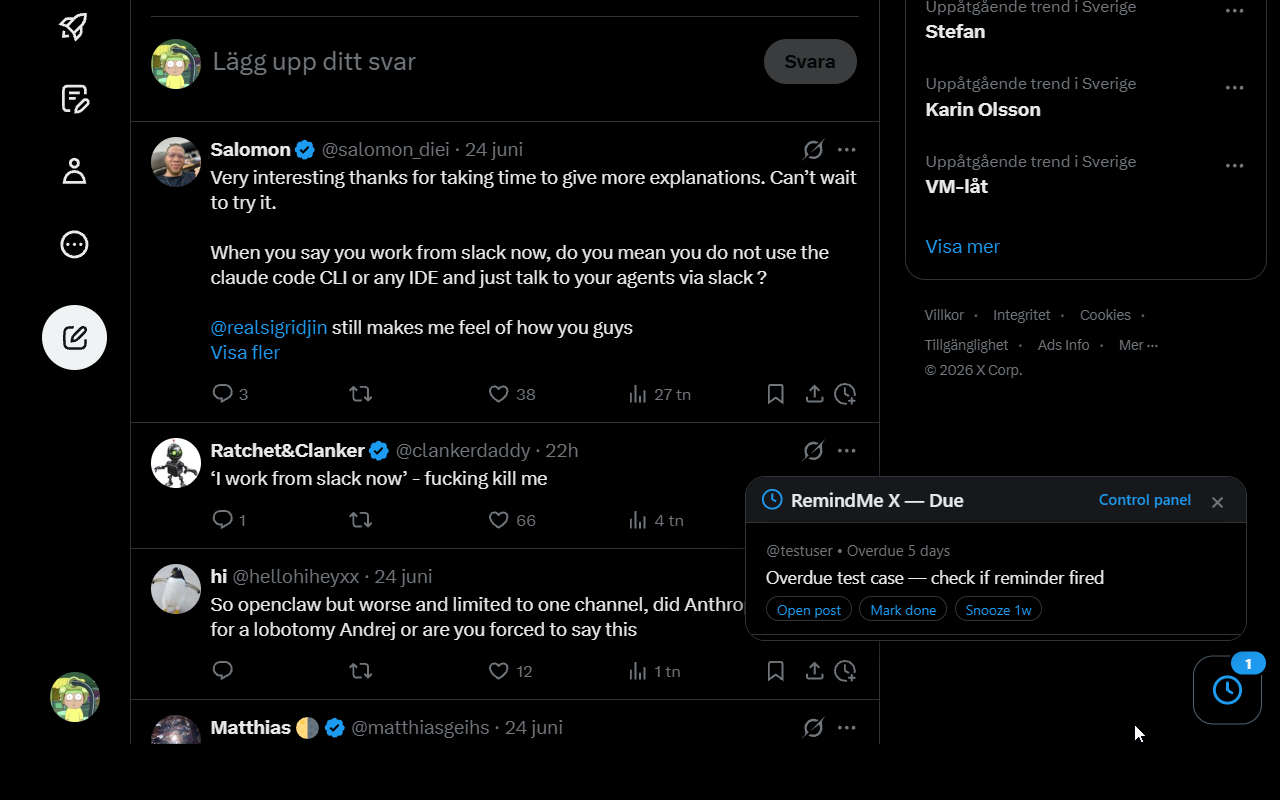
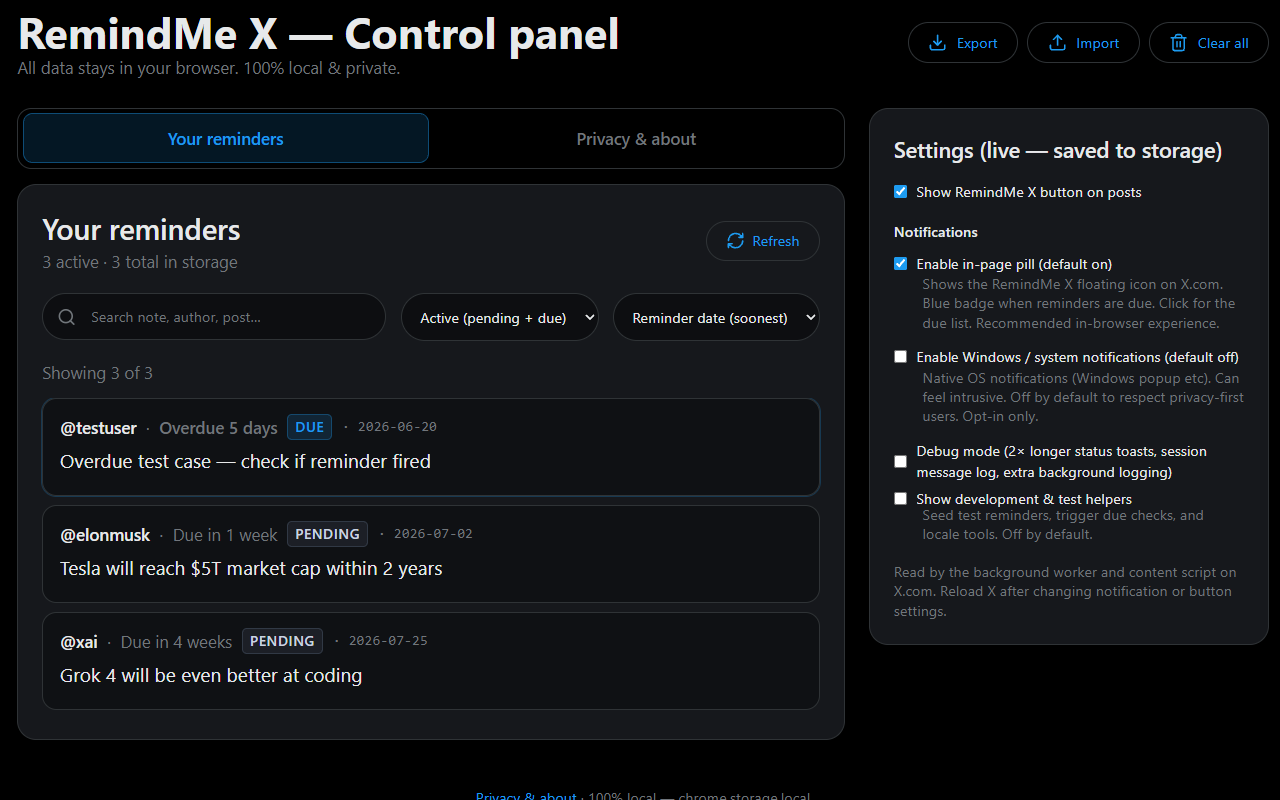
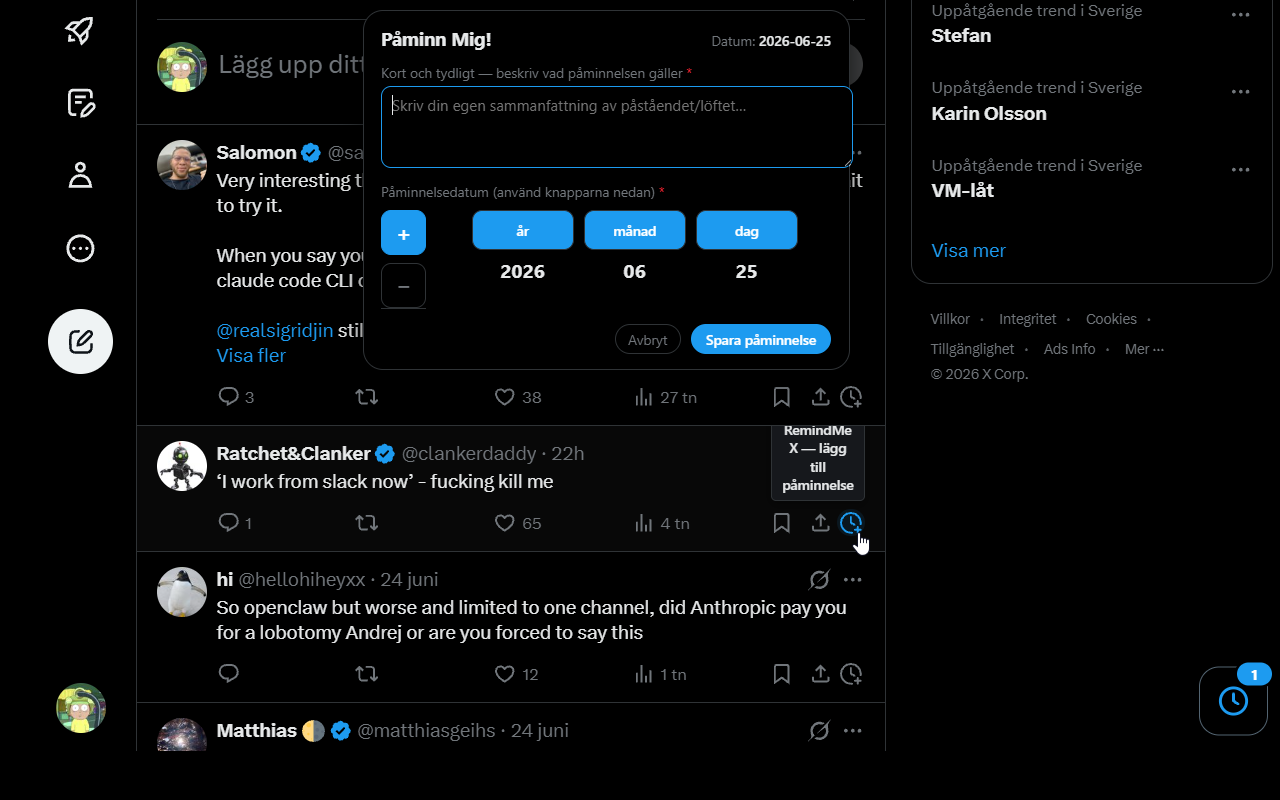
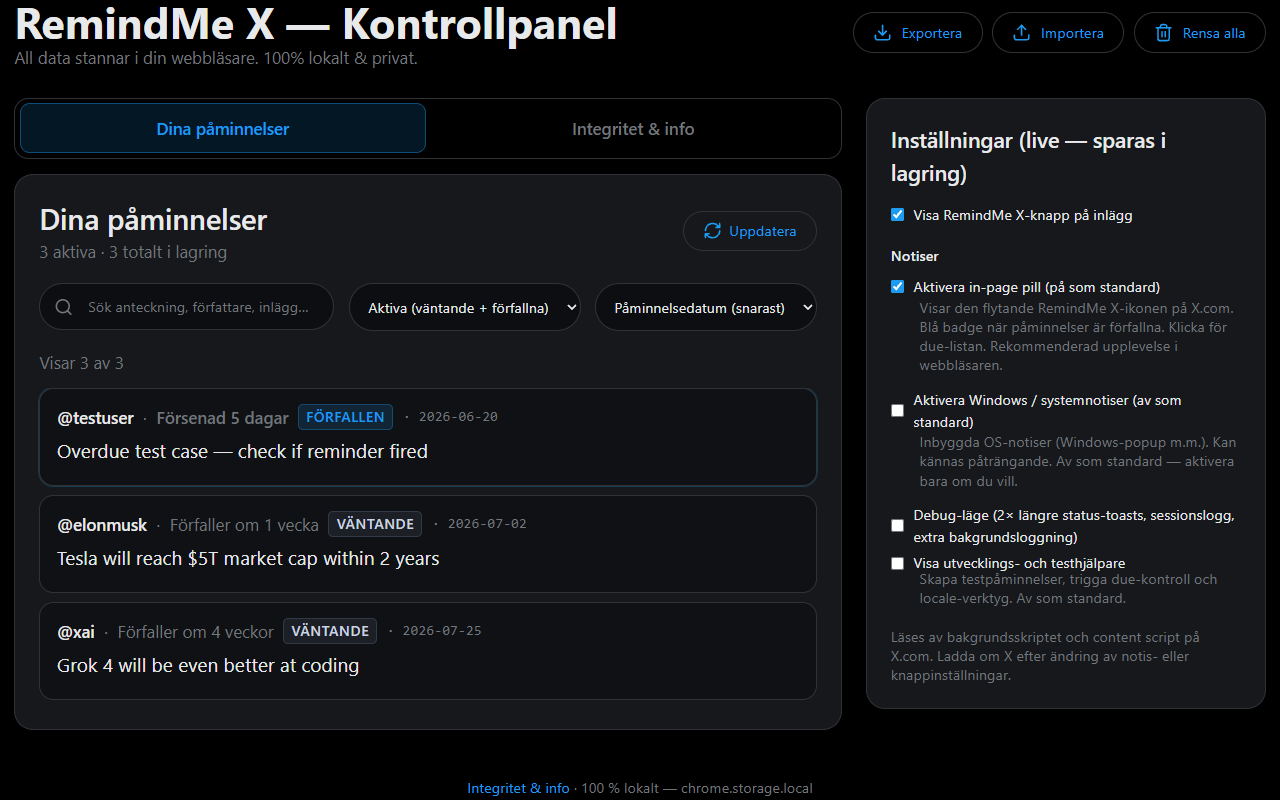
Create reminders only from the post or reply you are viewing — one click on the clock icon, then note and date. The Control Panel is for managing what you have already saved.
Install the signed .xpi from this site, or use AMO when listed.
Latest available version 0.1.0
Install from the Chrome Web Store (recommended). Works in Chrome, Microsoft Edge and other Chromium browsers.
Chrome Webstore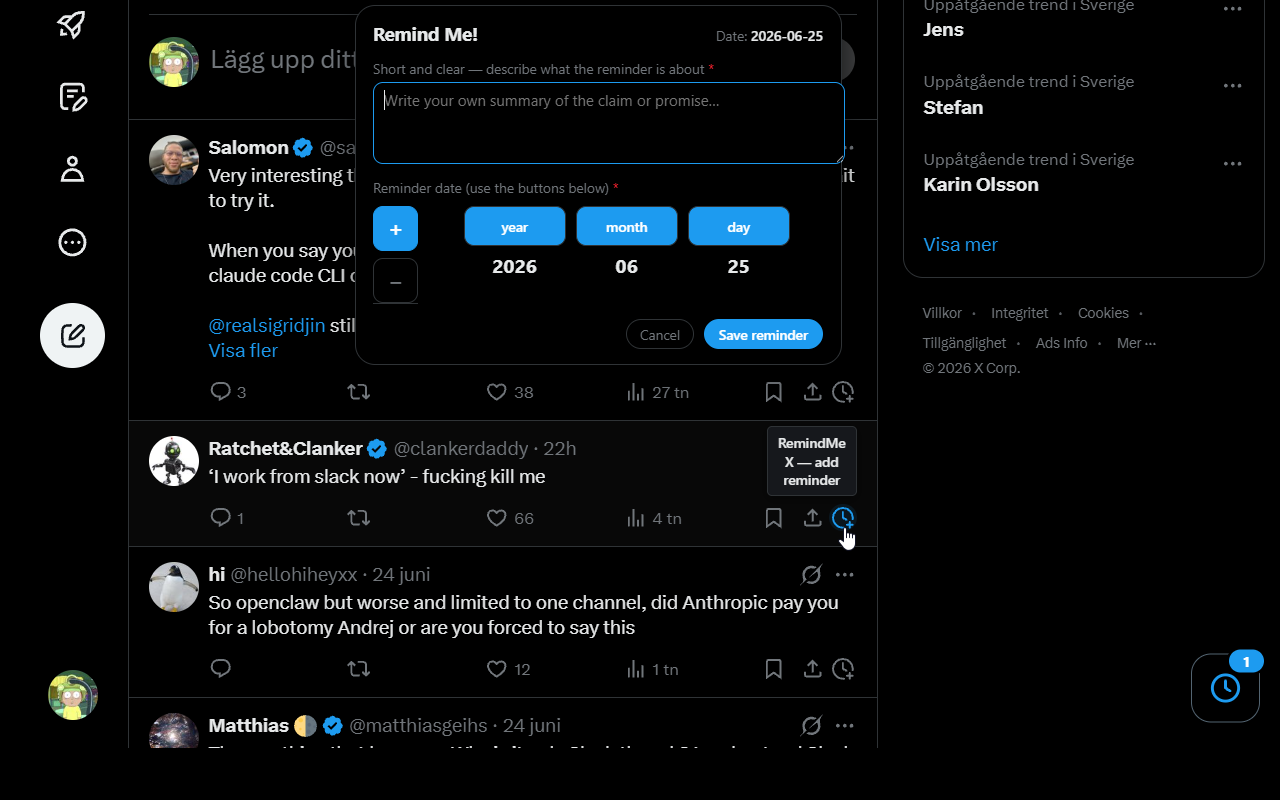
Last updated: 2026-06-22. Applies to RemindMe X (Firefox and Chrome).
RemindMe X only reads the X.com page you already have open so you can add reminders from posts you view. Normal browsing on X.com is handled by your browser and X — not by this extension's data collection.
When you create a reminder, RemindMe X saves the following in your browser's local extension storage:
This data never leaves your browser through RemindMe X.
Uninstalling the extension or clearing extension data in your browser removes stored reminders.
| Permission | Why |
|---|---|
storage |
Save reminders and settings on your device |
alarms |
Check for due reminders in the background |
notifications |
Optional OS notifications (off by default) |
x.com / twitter.com |
Show the RemindMe button and in-page UI on posts you visit |
Firefox: data_collection_permissions is set to none in the extension manifest.
If this policy changes, the last updated date will be revised. Material changes will be reflected in the in-extension Privacy & about panel before store updates when practical.